

Too many lines.
Too little clarity.
Structure, order blocks, fair value gaps and liquidity levels in one place. Enable the tools you use and keep your chart clear.
Clearer analysisSMART MONEY CONCEPTS
See the structure. Read the context.
Wait for your opportunity.
A trading journal for reviewing your trades, decisions and discipline. Alongside it, a free TradingView indicator for reading market structure.
01 / LESS MANUAL WORK
Cluttered charts and constantly redrawing levels can distract you. The indicator brings key information together so you can focus on your plan.
Structure, order blocks, fair value gaps and liquidity levels in one place. Enable the tools you use and keep your chart clear.
Clearer analysisBias describes the direction of market structure. Premium, Discount and Equilibrium show where price sits within the range tracked by the indicator.
Direction + locationPrevious day and previous week highs and lows are clearly marked, saving you time on manual chart preparation.
Faster chart preparation02 / FREE INDICATOR
SMC concepts on your chart, with a clear view of structure, zones and key levels.
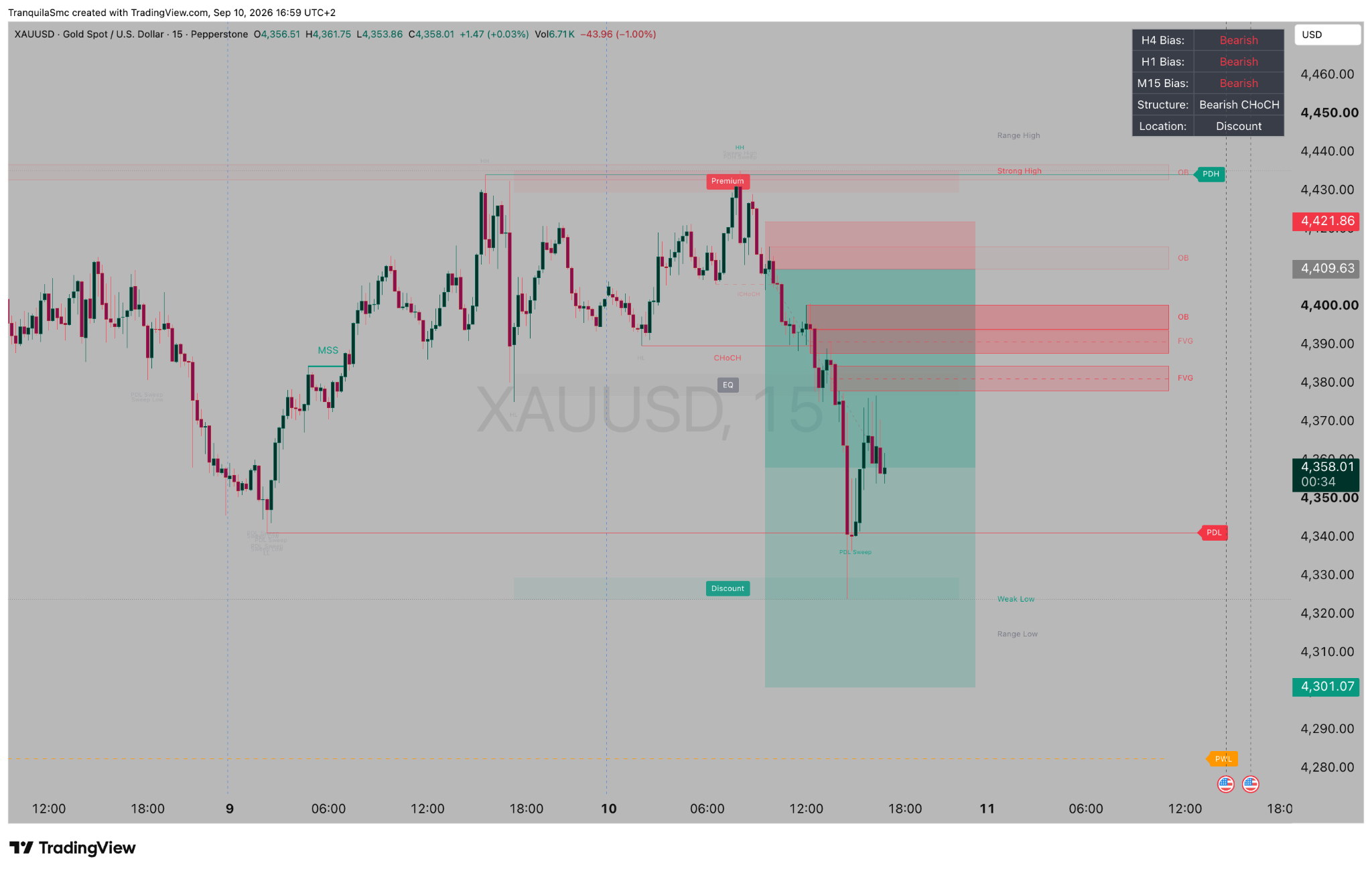
Example from the chart above
The bias is bearish, but price is already in Discount. Bias alone is not a reason to enter a trade.
XAUUSD · M15 · 10 Sep 2026 · historical exampleThe indicator provides context.
The trader makes the decision.
The dashboard shows H4, H1 and M15 bias. Bullish indicates an upward context and Bearish a downward context, based on the indicator’s rules. Different readings help you spot when the timeframes are out of alignment.
Bias describes context. It does not predict the next candle or confirm an entry.
BOS marks a break of structure in the direction being tracked. CHoCH indicates a change of character, while MSS marks a market structure shift under the indicator’s rules.
Read these labels alongside prior price action, location and price reaction. A single label is not a complete setup.
Bullish and bearish order blocks highlight areas identified by the indicator’s SMC model. They help you plan where to watch price more closely.
A touch of a zone does not guarantee a bounce. An OB label is not evidence of actual institutional orders.
An FVG marks the gap between the ranges of the first and third candles in a three-candle pattern. Bullish and bearish zones, with a 50% midpoint, make it easier to track a potential return to the area.
Price does not have to fill every FVG. Consider each zone within your plan and wait for confirmation under your own rules.
PDH / PDL are the previous day’s high and low. PWH / PWL are the previous week’s high and low. They provide clear reference points for watching breaks, sweeps and price returns.
These levels mark previous price extremes. They do not show the actual volume of orders at those levels.
Premium is the upper part of the range, Discount the lower part, and Equilibrium the midpoint. Combined with bias, they help you assess whether price location fits your scenario.
The range depends on structure and settings. Discount is not an automatic buy, and Premium is not an automatic sell.
Tranquila SMC Dashboard V1 Free Bias 1.01.
Use your TradingView account to add the indicator to your chart.
Choose the elements you use and study how they behave on historical charts.
You can also find all our published scripts on our TradingView profile .
03 / ABOUT US
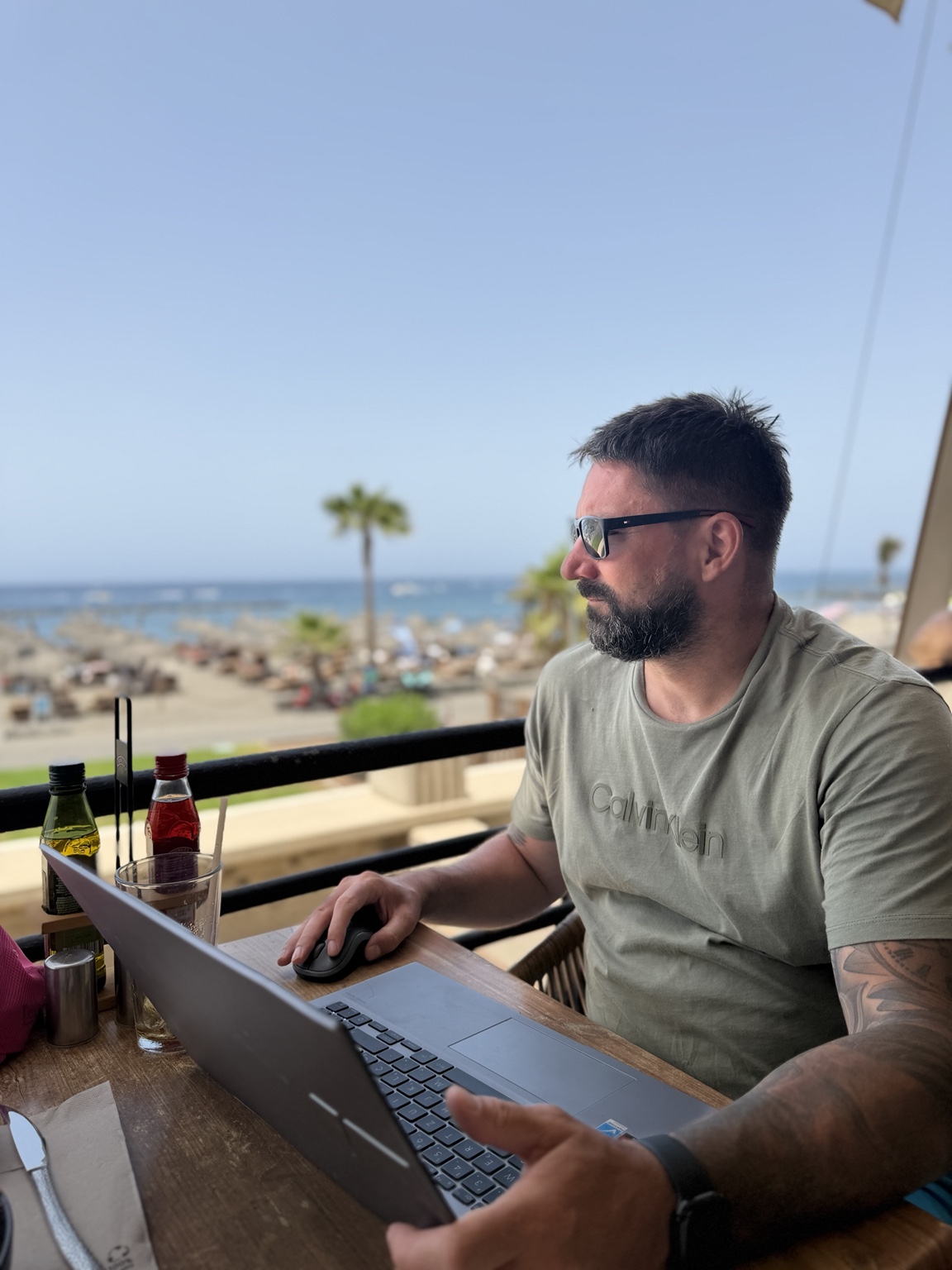
Tranquila SMC grew out of everyday work on the charts: analysis, patience, good decisions and mistakes to learn from.
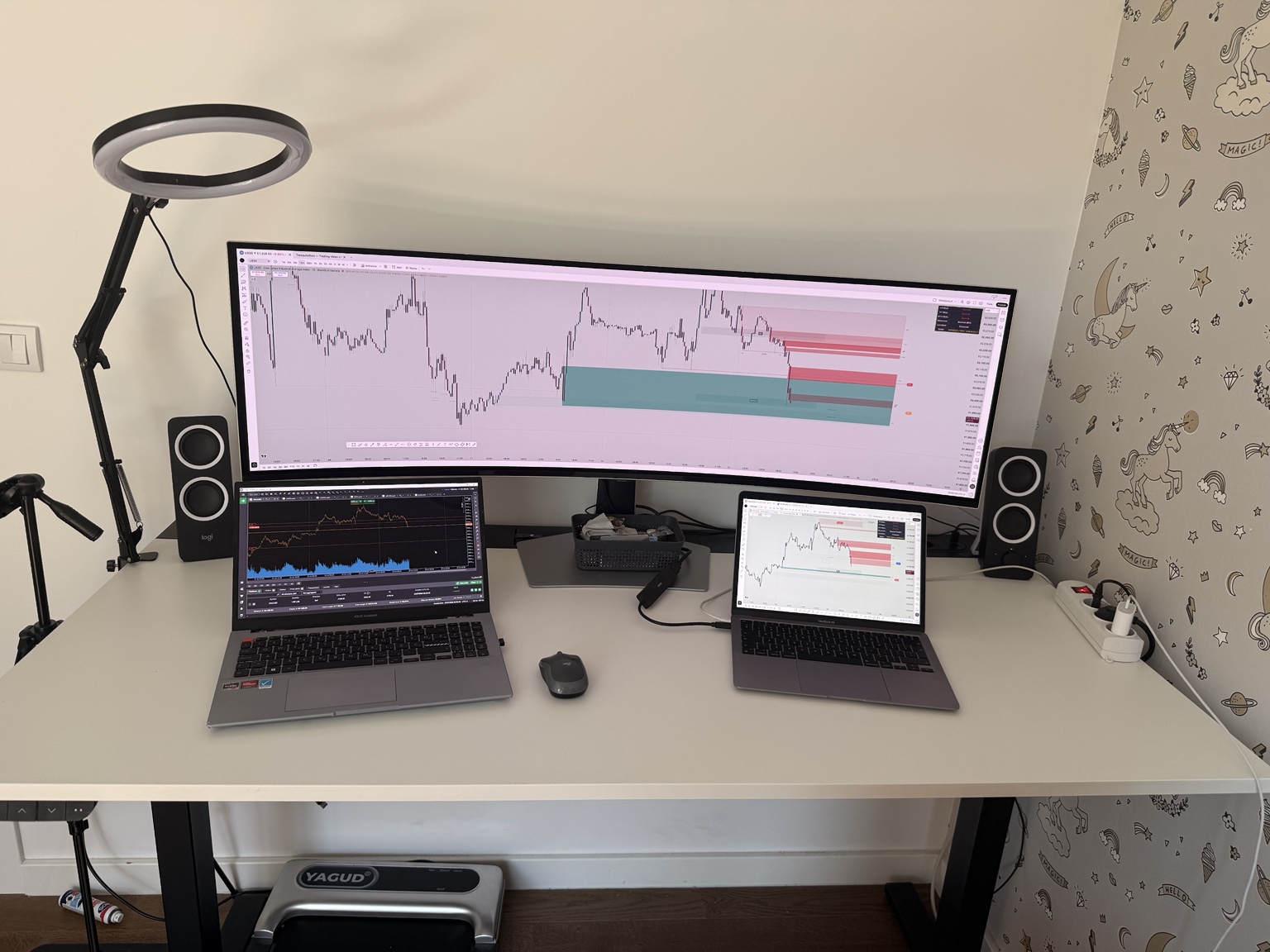
The project was founded by Danijel, an active trader with over four years of experience, focused on US30 and XAUUSD. We build tools that make market structure easier to read and help traders make decisions with a clear plan.
We share analysis, explanations and experience. Context, patience, risk management and discipline are at the heart of our approach.
04 / FROM OUR TRADING
Certificates for successfully completing the FTMO Challenge and Verification phases. Open any document to view it in full.
 View certificate
 Challenge successfully completed.
 View certificate
 Verification successfully completed.
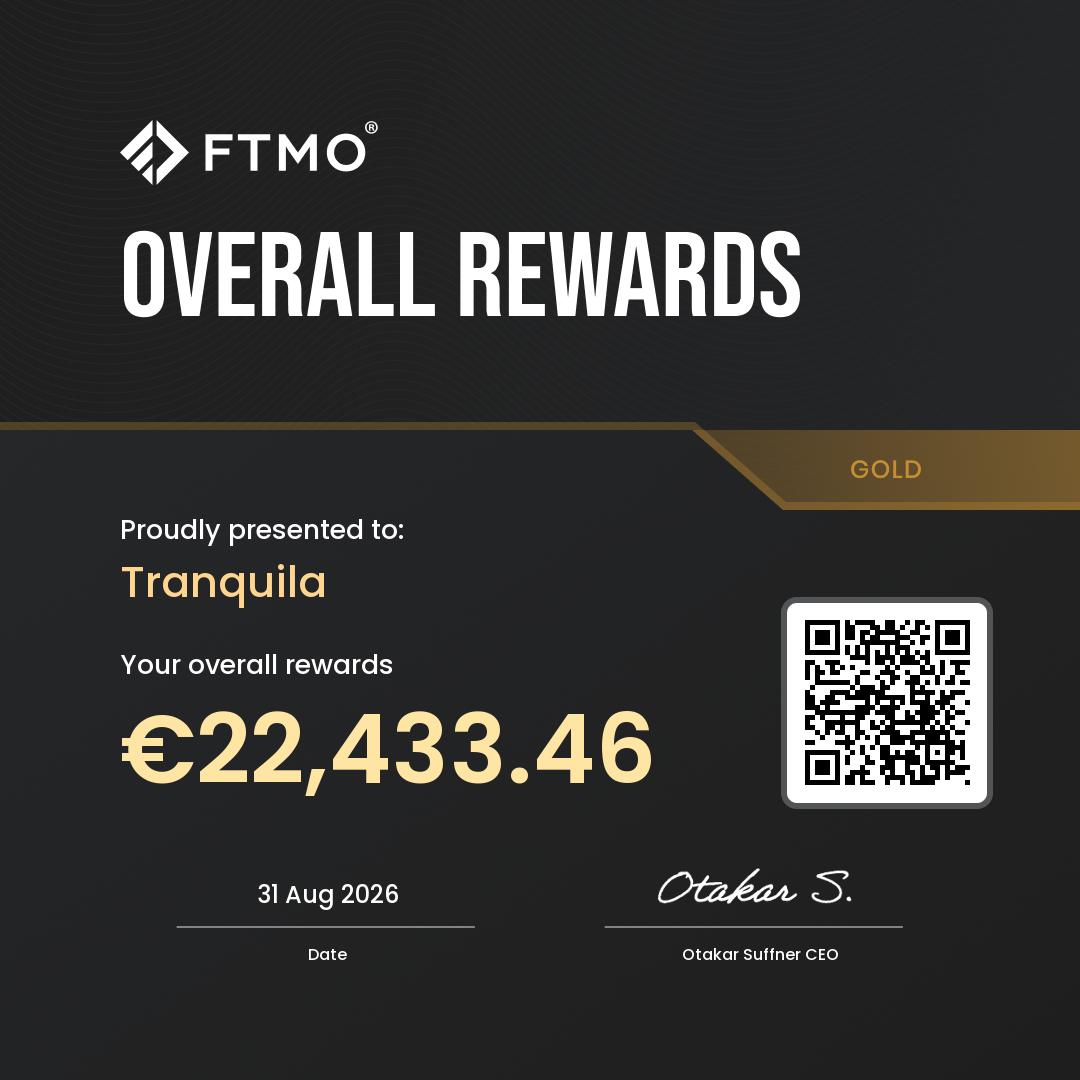 View overall certificate
 Total rewards shown on the Gold certificate.
 View overall certificate
 Total rewards shown on the Silver certificate.
Amounts are taken from the certificates on the dates shown. EUR and USD totals are presented separately. The individual FTMO rewards below are already included in the FTMO total.
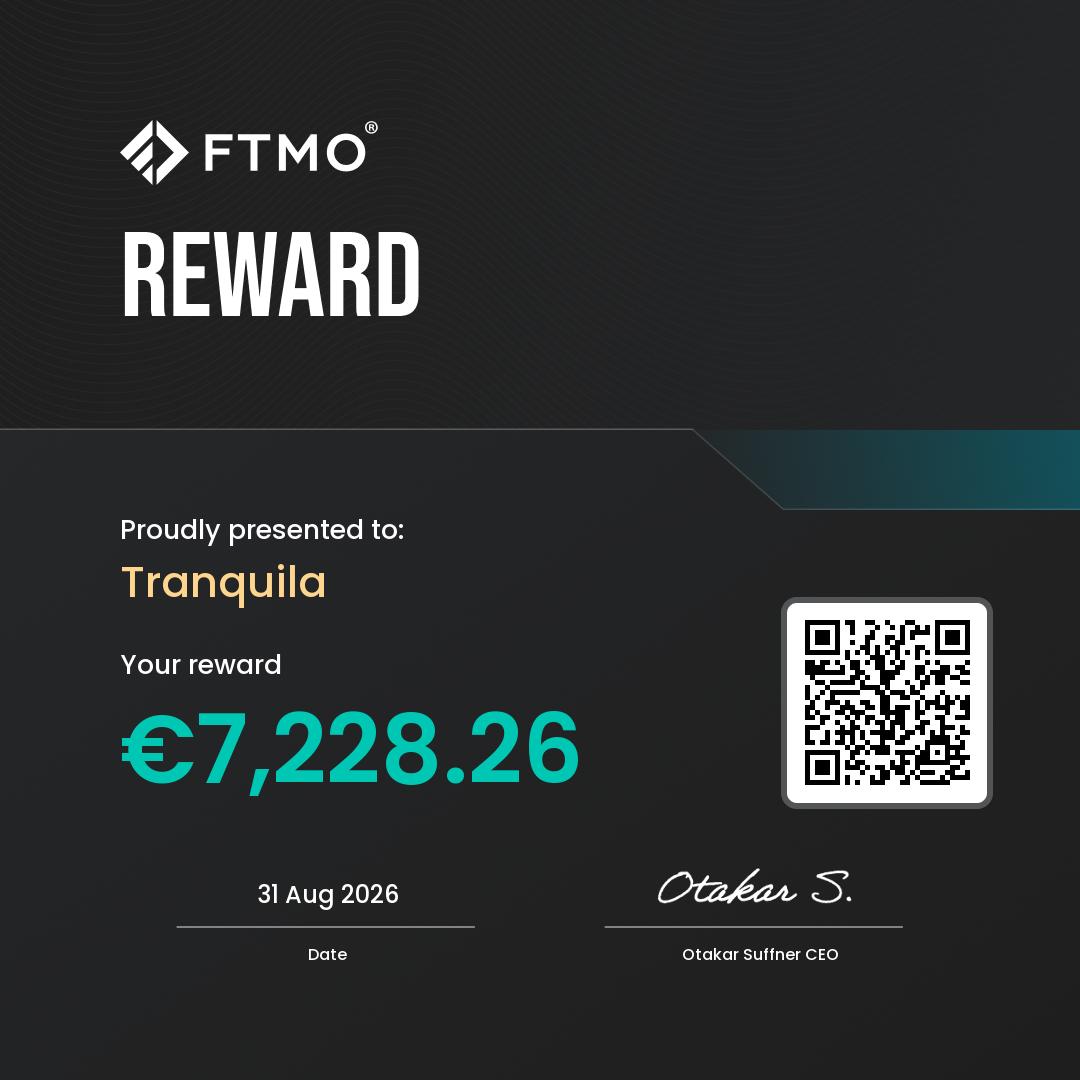 View certificate
 FTMO reward · amount shown on the certificate.
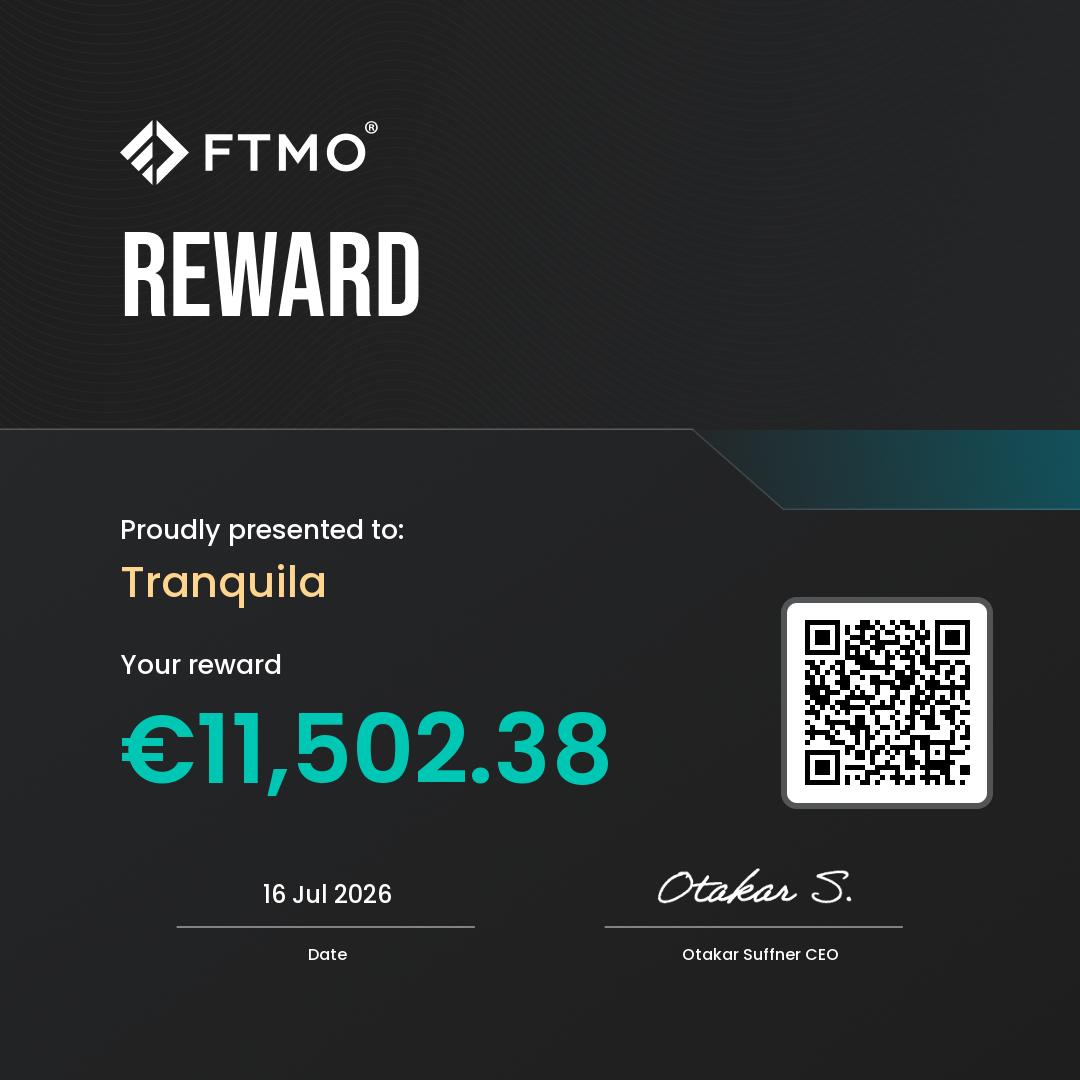 View certificate
 FTMO reward · amount shown on the certificate.
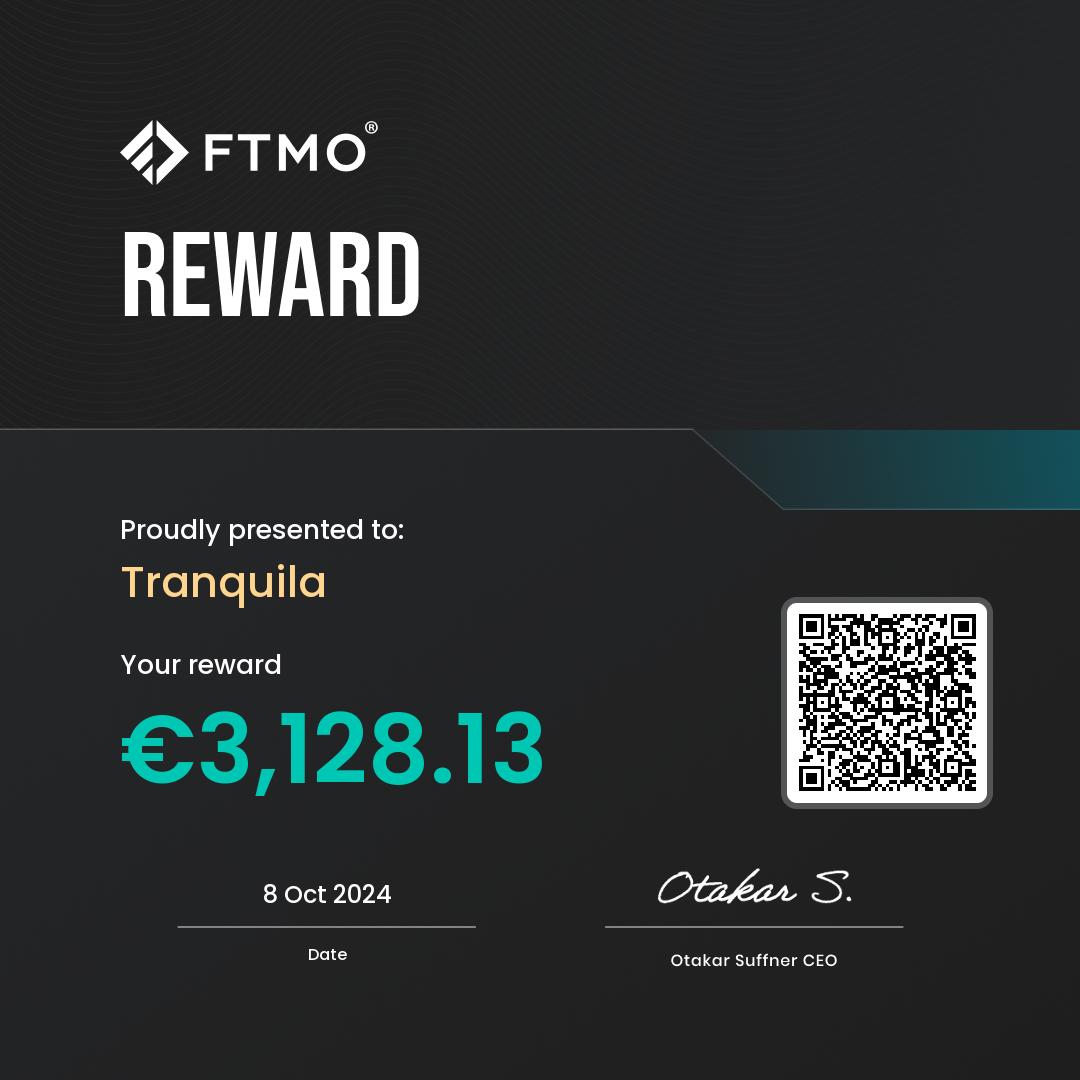 View certificate
 FTMO reward · amount shown on the certificate.
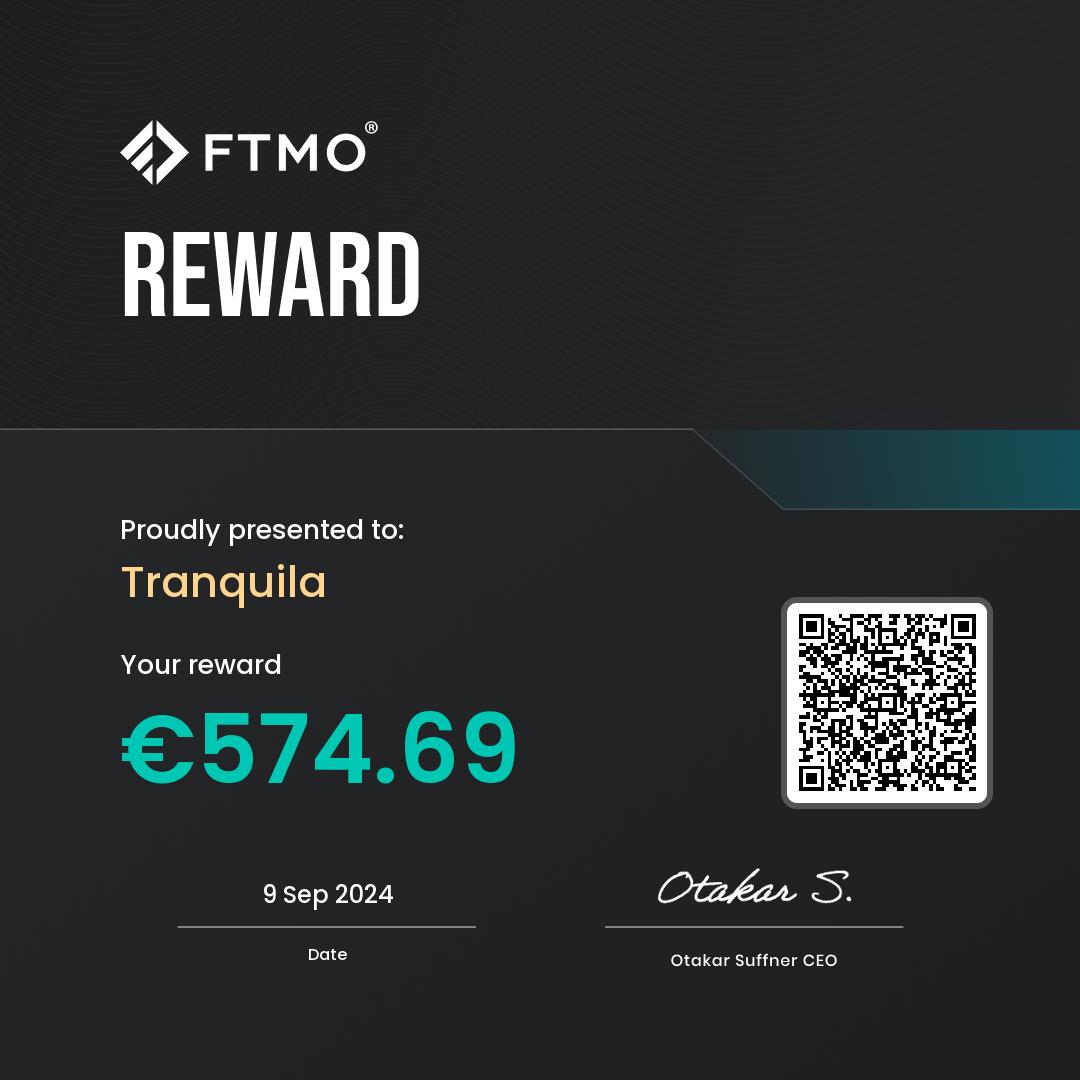 View certificate
 FTMO reward · amount shown on the certificate.
These documents are selected examples from our trading. They do not represent a complete account history or prove the indicator’s profitability. The FTMO programme uses simulated trading with the possibility of real rewards. Past performance does not guarantee future results. About the FTMO programme
TRADING JOURNAL
Understand your decisions.
Recognise your patterns.
Connect your trade results with your reasons for entering, your emotions and how closely you followed your plan. Track prop and live accounts, keep a journal and add screenshots before and after each trade.
Workspace · cTrader & MT5 · trade notes · diary · checklistsSign in with email or Google. The Basic plan is free. Your journal and notes are private to your account.The setup, context and confirmation you actually had.
Your plan, FOMO, overtrading or an early exit.
Review decisions and statistics to identify patterns.
cTrader MT5
Connect your account and import closed trades automatically, without uploading a new report each time.
MT5 connections are currently in limited testing. EUR and USD accounts are supported.
See the connection steps in the guideManual file import is also available. Share your feedback on Telegram.
05 / STAY CONNECTED
Analysis, education, indicator updates and journal development. Find the format that works for you.